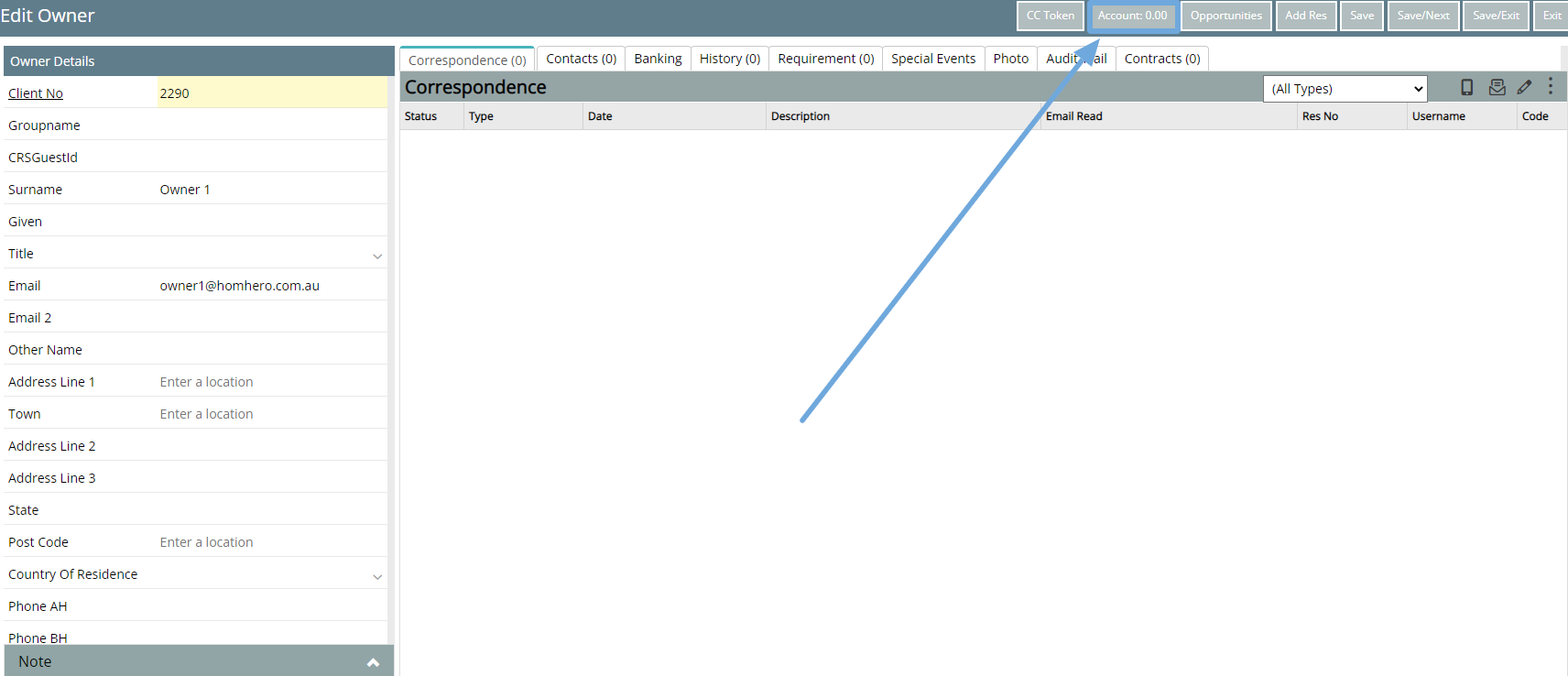
After you have completed a Change of Ownership in RMS - you need to change the owner of the property in Homhero
- Open Homhero
- Select Property Management from the Homhero Menu
- Select " Sync from Trust "

- Wait for the notification to say this has been completed
- Select Refresh
The owner details of that property will now be updated.

If after refreshing and the Owner and the Account ID has not appeared, please edit the area, select the correct Owner in the dropdown and re enter in the correct Account ID number so it matches the New Account ID number in RMS and then click on Save.
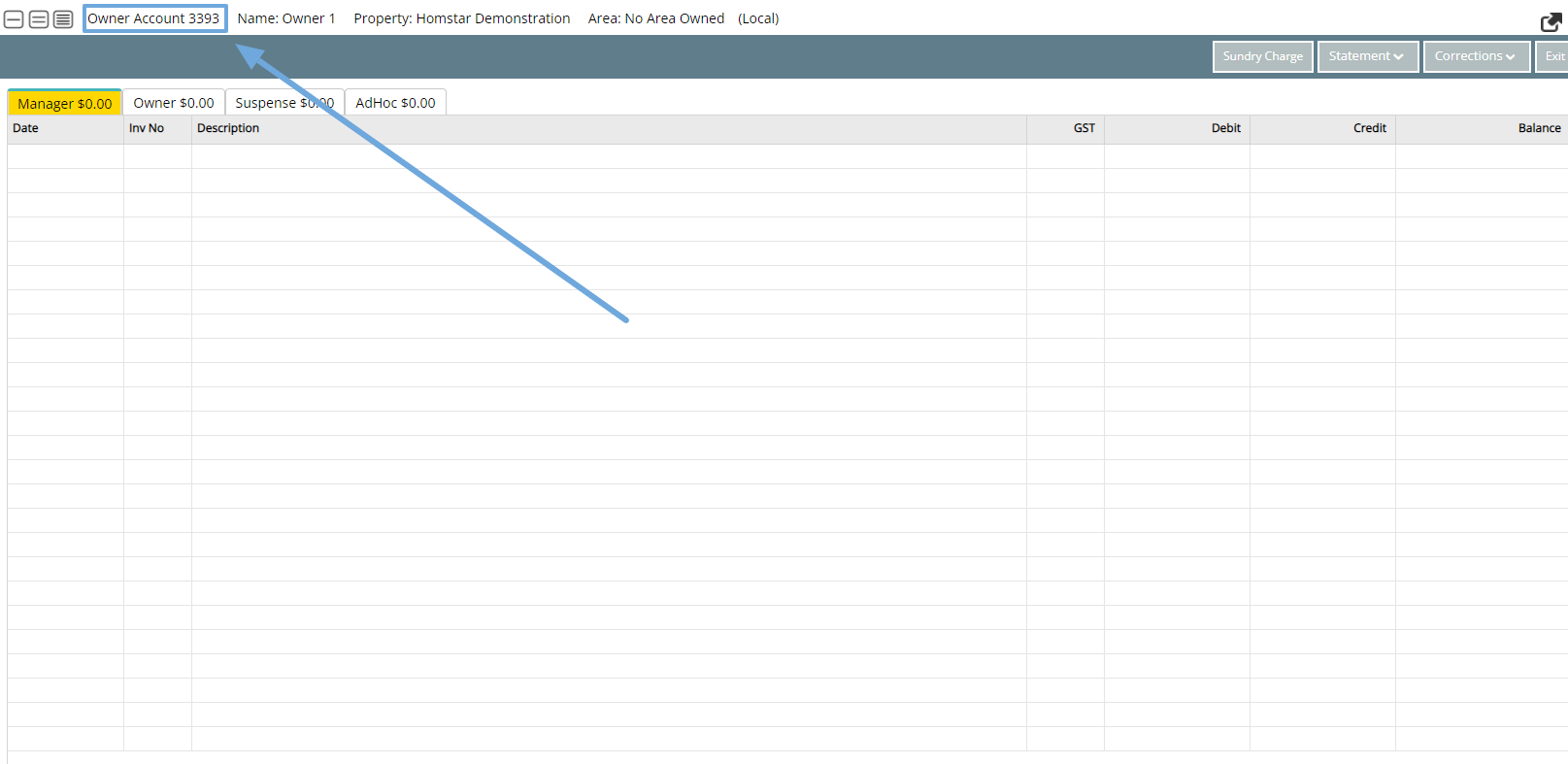
Please see below on how to find the Owner Account ID in RMS.
Go to Client Search-> Owner Type-> double click to open the owner profile -> click on the Account tab
The Account ID number you will find up in the top left corner.