
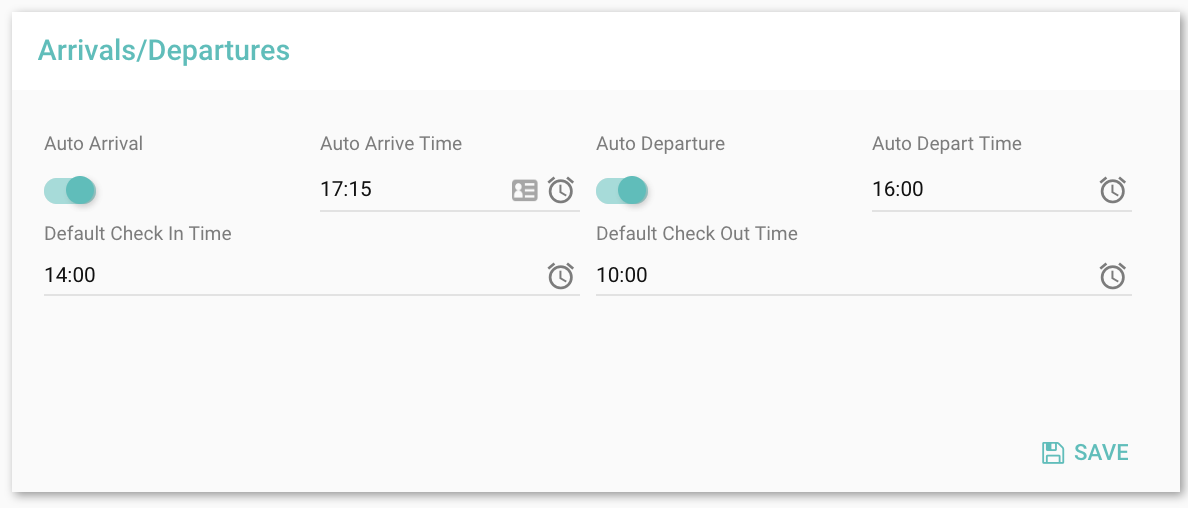
HOMHERO gives you the ability to change the status of a reservation to Arrived, and departed automatically.
1. Turn on Auto Arrival toggle and set the time you would like HOMHERO to change the status of a booking to arrived each day. Choose a default checkin time so show on a reservation, correspondence and on the guest portal. This status change will also reflect on the booking in RMS.
2. Turn on Auto Departure toggle and set the time you would like HOMHERO to change the status of a booking to departed each day. Choose a default checkout time so show on a reservation, correspondece and on the guest portal. This status change will also reflect on the booking in RMS.