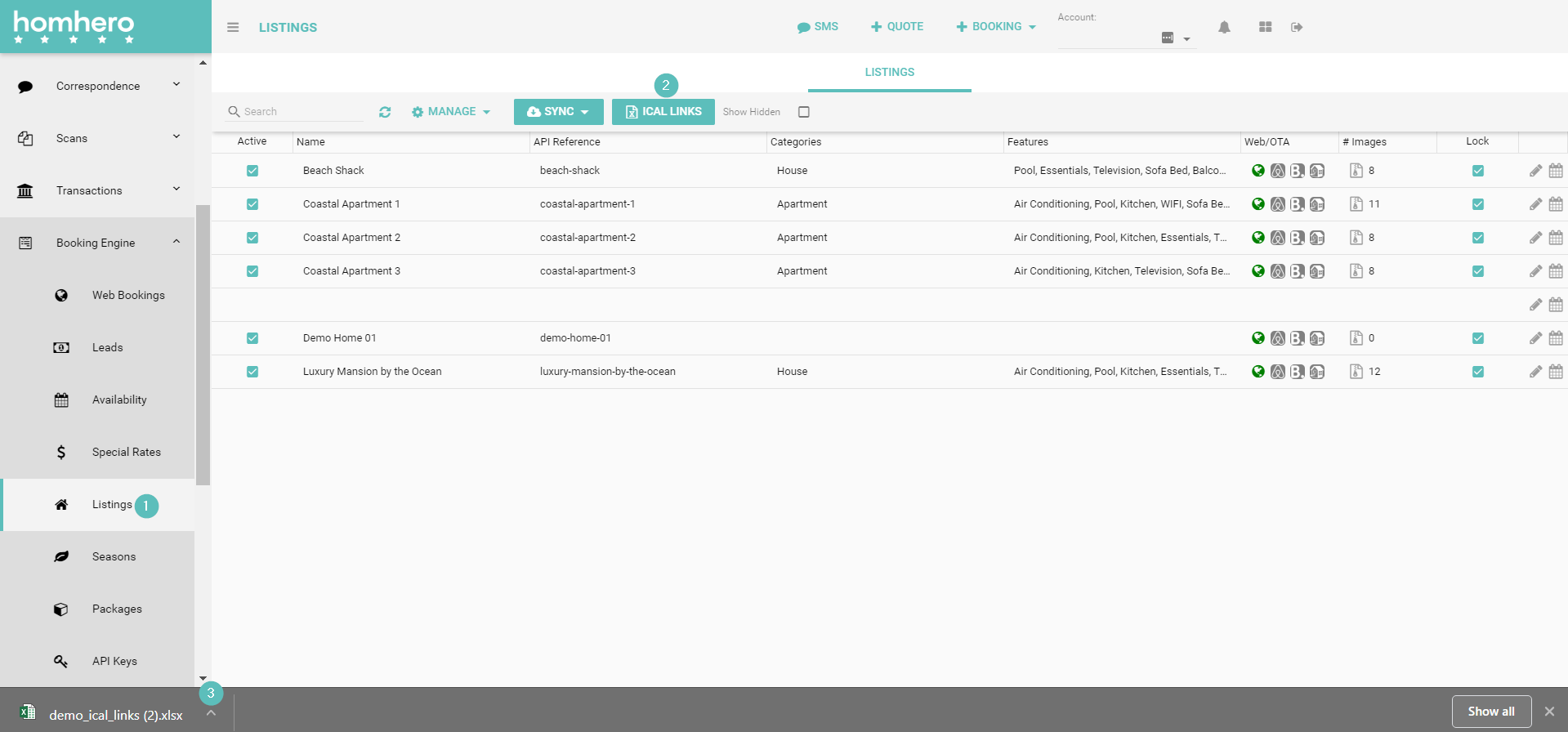
Where to download Ical Links Alana July 23, 2021 06:50 Updated 1. Click Booking Engine and then click Listings from the HOMhero sidebar2. Click iCal Links3. The iCal links will start to download, click the arrow to open or save the file Related articles How to use iCal in Homhero How to add a public holiday surcharge package Cleaning - How to send out Online Portal Instructions to Cleaners STEP 1. Create a new Owner in RMS Closed to Departures Comments 0 comments Please sign in to leave a comment.
Comments
0 comments
Please sign in to leave a comment.