Generate a Ledger for an Owner Account
- Select Owner Accounting + Reports + Owner Ledger (or type Owner Ledger in the Menu Search Area - then select Owner ledger from the search results)
- Select the date range you wish to create a ledger for
- You can open the Area section and select only some Areas (properties) or All
- Build
OR
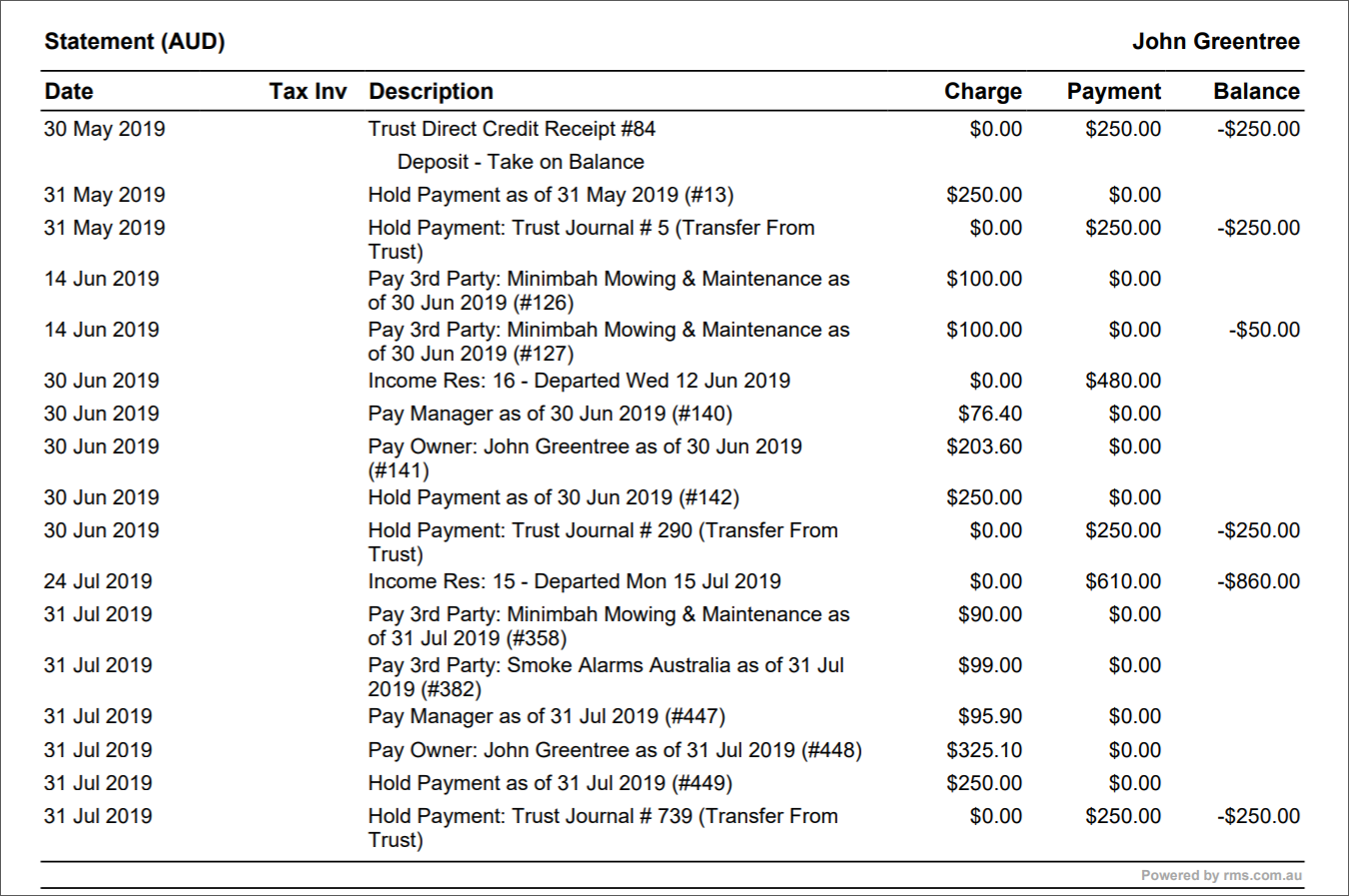
Generate a Ledger (statement) for an Owner Account
Open the Owner's Account:
- Reservations + Client Search + Owner or
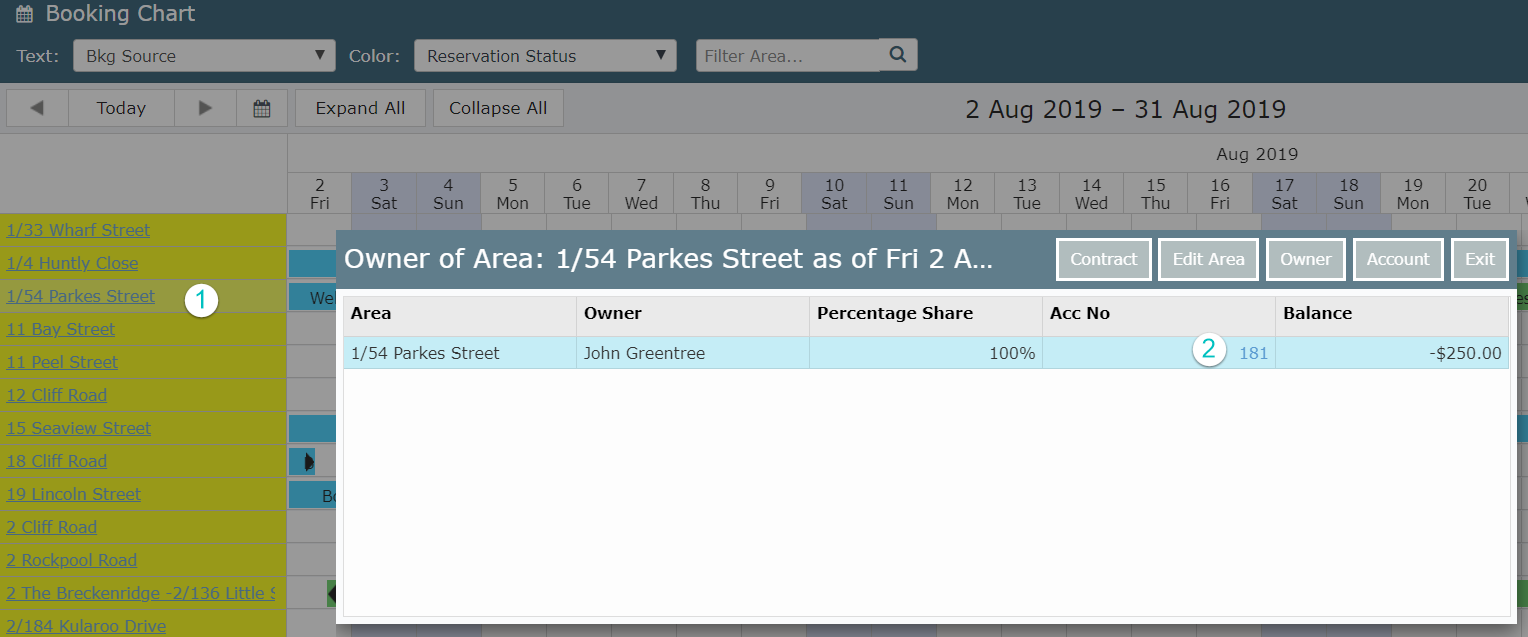
- On the Booking Chart - Select the Property
- Open the Owner Account from the Hyperlink
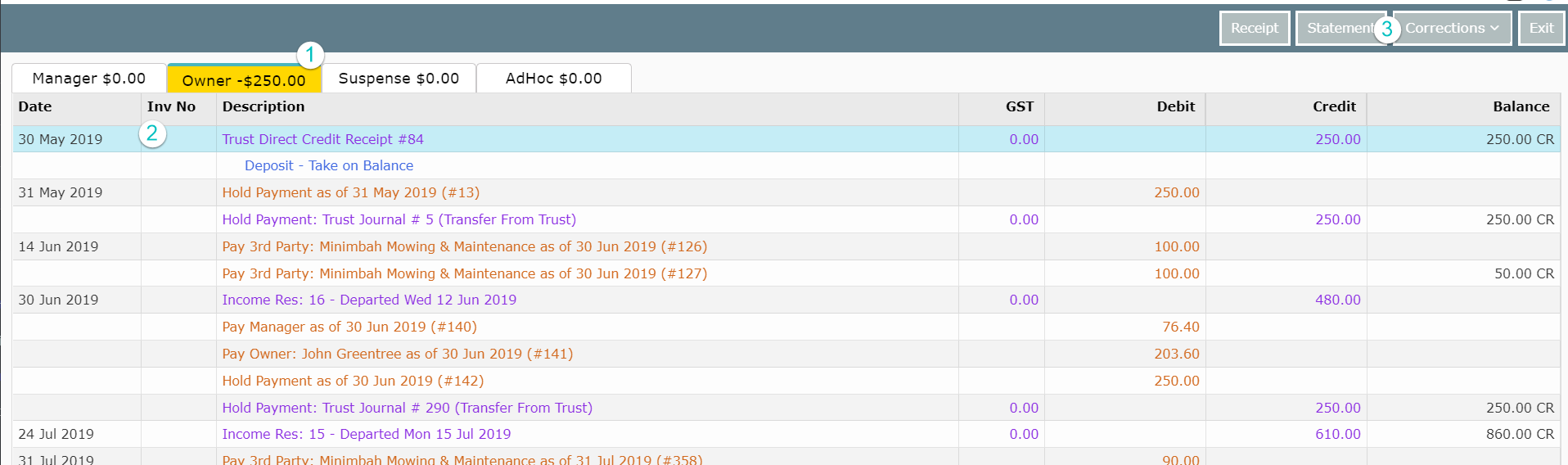
- Open the Owner Tab
- Click on the line where you want to generate the ledger (statement) from
- Select Statement and Print Statement or Email Statement