Link Properties to Owners
- Setup + Room Type /Area
- Select Go To Area

- Find and Select the Area (property) + Open Area
- Select the Owner Accounting Tab
- Ensure that Print Statement is turned on
- Select Add + Answer okay to the Change of Owner Dialog Box

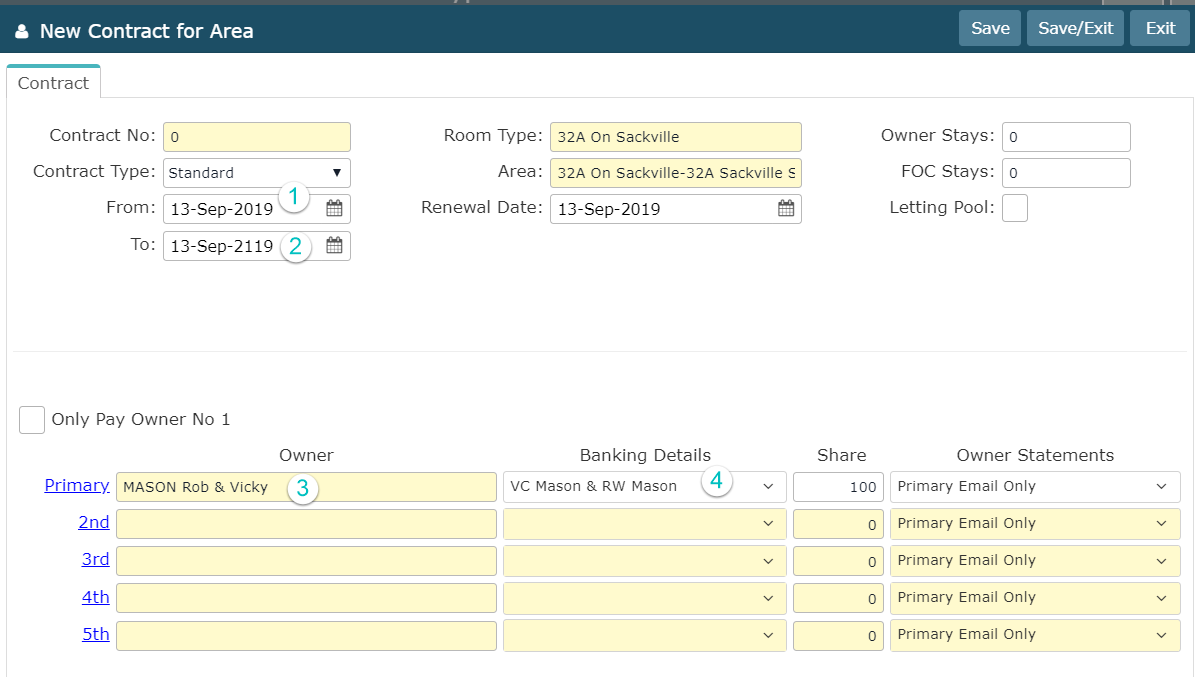
- Set the Start Date of the Contract (the default is okay)
- End Date to 100 years on
- Click on Primary + Find the Owner and Add + Save/Exit
- Ensure that the Banking Details have connected
- Save/Exit