Skip to main content
Pay a specified amount to a 3rd Party Creditor from their Holding Account
Pay a specified amount to a 3rd Party Creditor from their Holding Account
- Select Owner Accounting + 3rd Party Payments
- Select the 3rd Party's hyperlinked account number as indicated below:
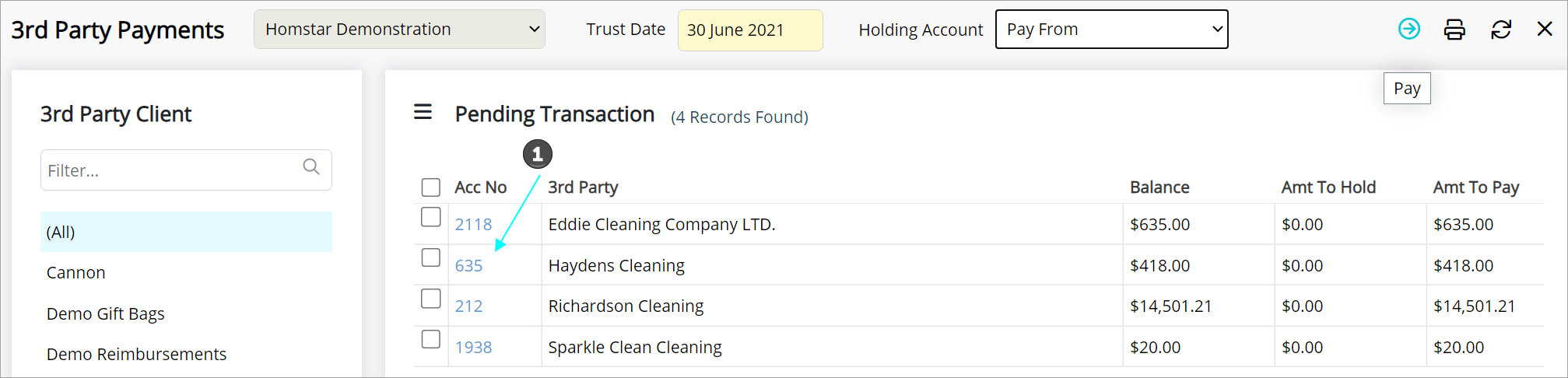
- The 3rd Party Creditor's Account opens
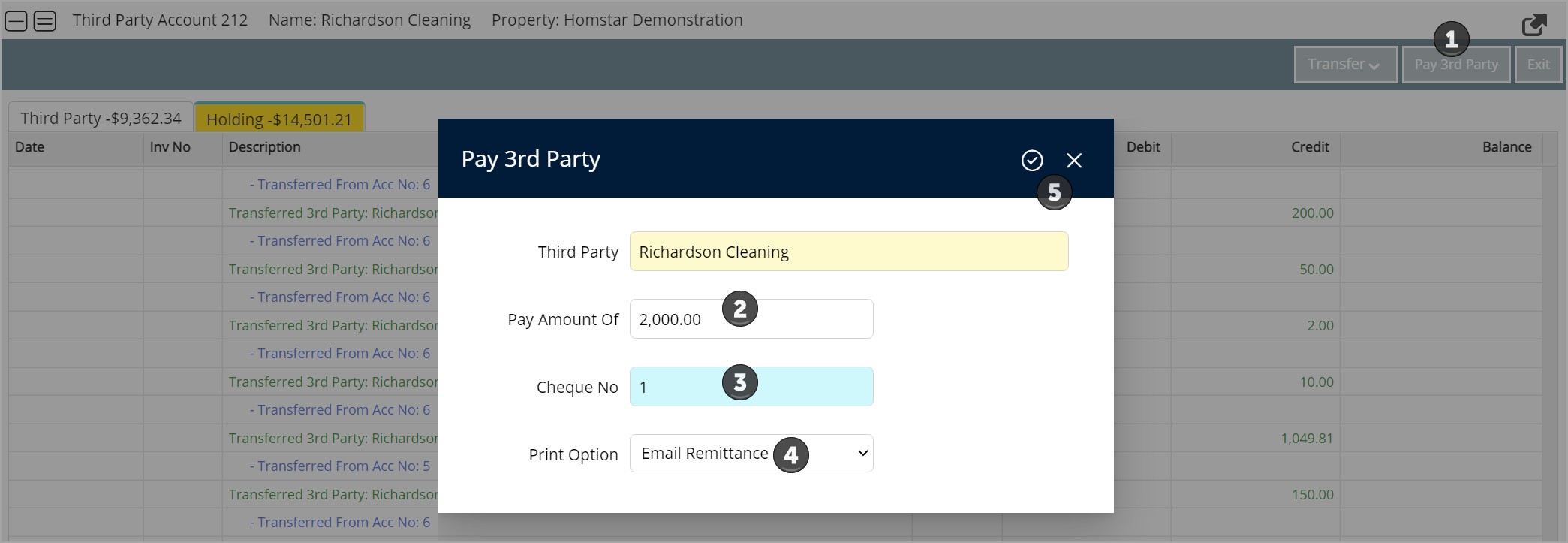
- Select Pay 3rd Party from the top right-hand corner
- A dialog box appears - from here you can enter the amount you wish to pay, enter a cheque number and select email or print for the statement option
- Select the tick-mark in the top right-hand corner to complete
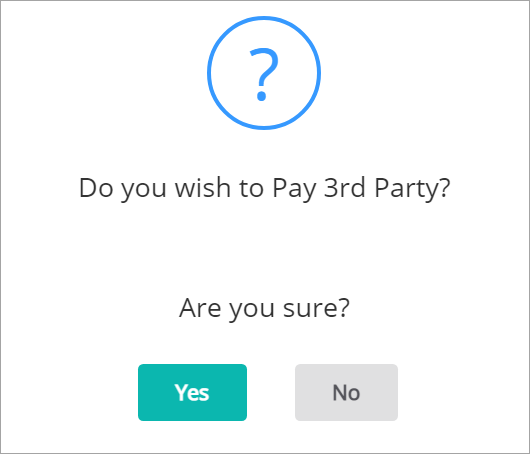
- Select Yes from the resulting dialog box
- Go to Owner Accounting + Create EFT File
- Create the EFT File to upload
