From the RMS side menu:
- Select Setup + Users + User Information
- Select + at the top right-hand corner to add a new user

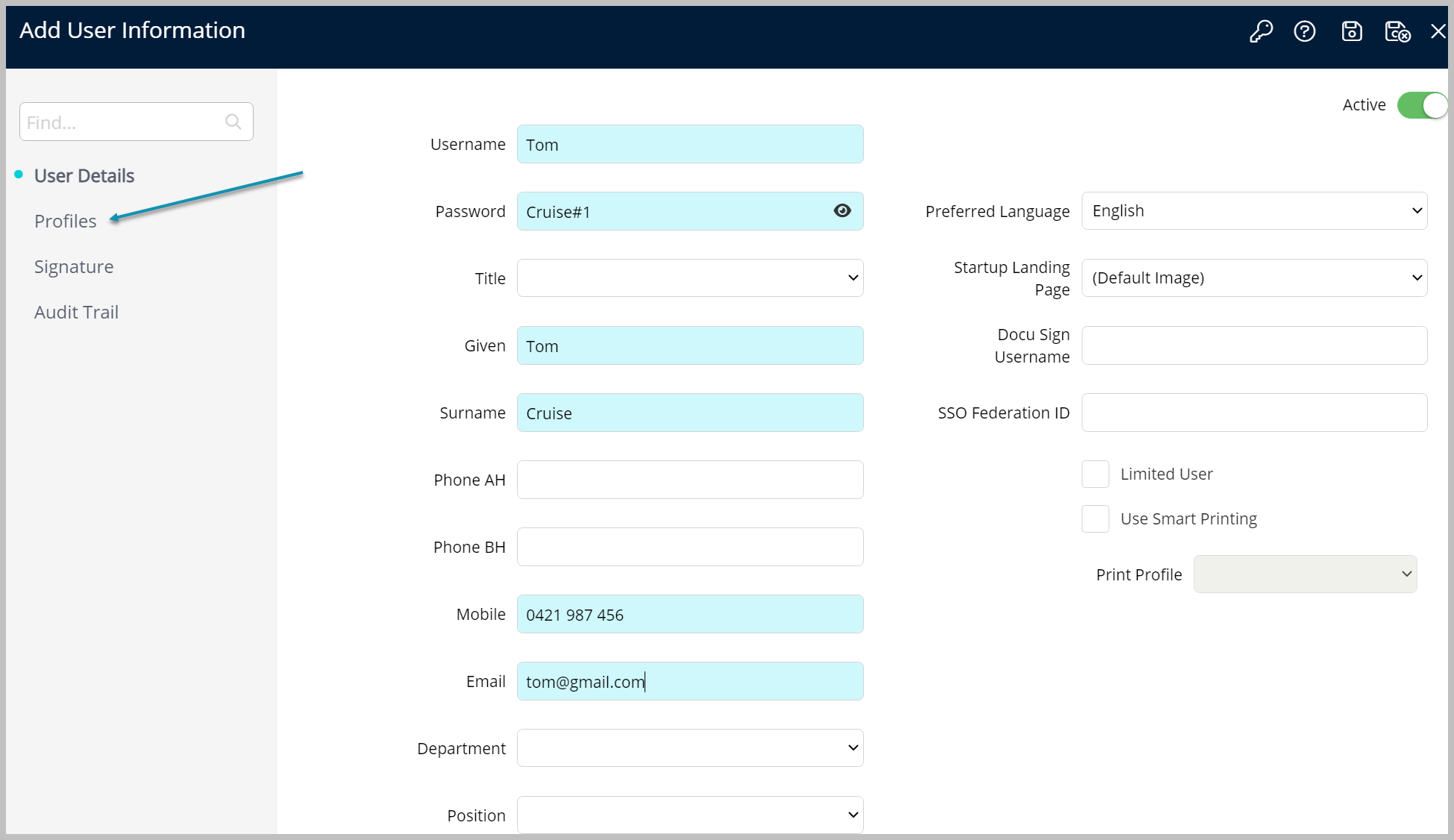
- Complete the user's details and Save
- Select Profiles
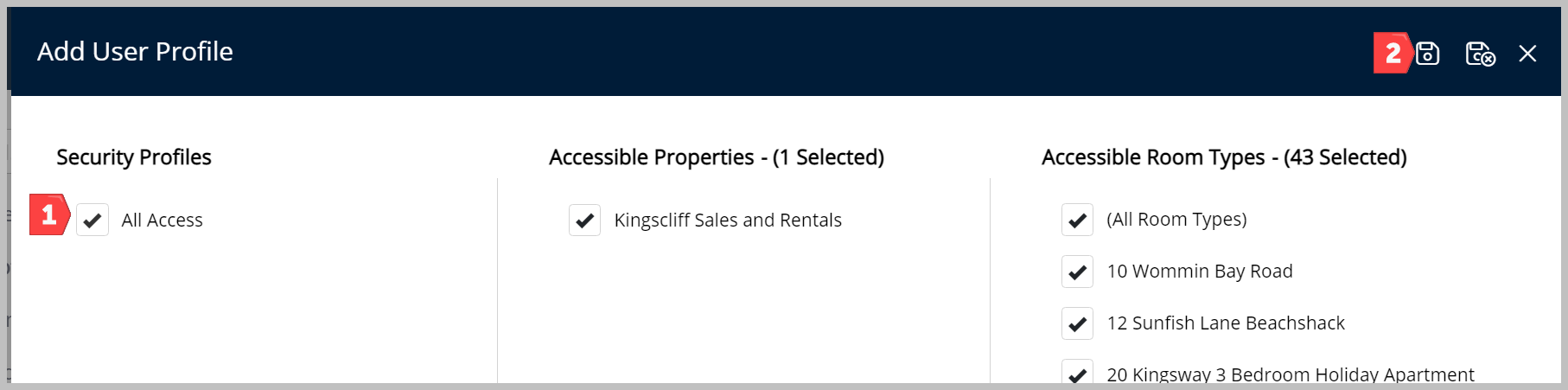
- From the Profiles screen select + in the top right-hand corner
- Select the Profile
- Save and Exit